
 01
01Estimates
Build a quote you can explain.
Choose a customer, add services and review the total. Keep the scope, quantities and your prices together.
ONE WORKSPACE. THE WHOLE JOB.
Estimates, customers, visits and invoices, connected around the work you do. Take a closer look at the tools you will use every day.
SIX WAYS TO KEEP WORK MOVING
Start with estimating. Keep the rest of the job connected as your business grows.
01Estimates
Choose a customer, add services and review the total. Keep the scope, quantities and your prices together.
 02
02Invoices
Carry the estimate into an invoice. Record payments and see what remains outstanding.
 03
03Jobs
Bring the customer, documents, files and visits together. Pick up the next step with the details in hand.
 04
04Schedule
Organize visits and review upcoming work in your calendar. Team scheduling is available on Manage.
 05
05Customers
Find contact details, service locations, notes and linked work without searching through separate messages.
 06
06Insights
Review quoted value, accepted work, recorded payments and outstanding invoices from your workspace.
Features and allowances depend on your plan. Compare Launch, Grow and Manage ↗
THE APP, UP CLOSE
Actual screens from the current app, shown with demo data. Open any phone to see the details.
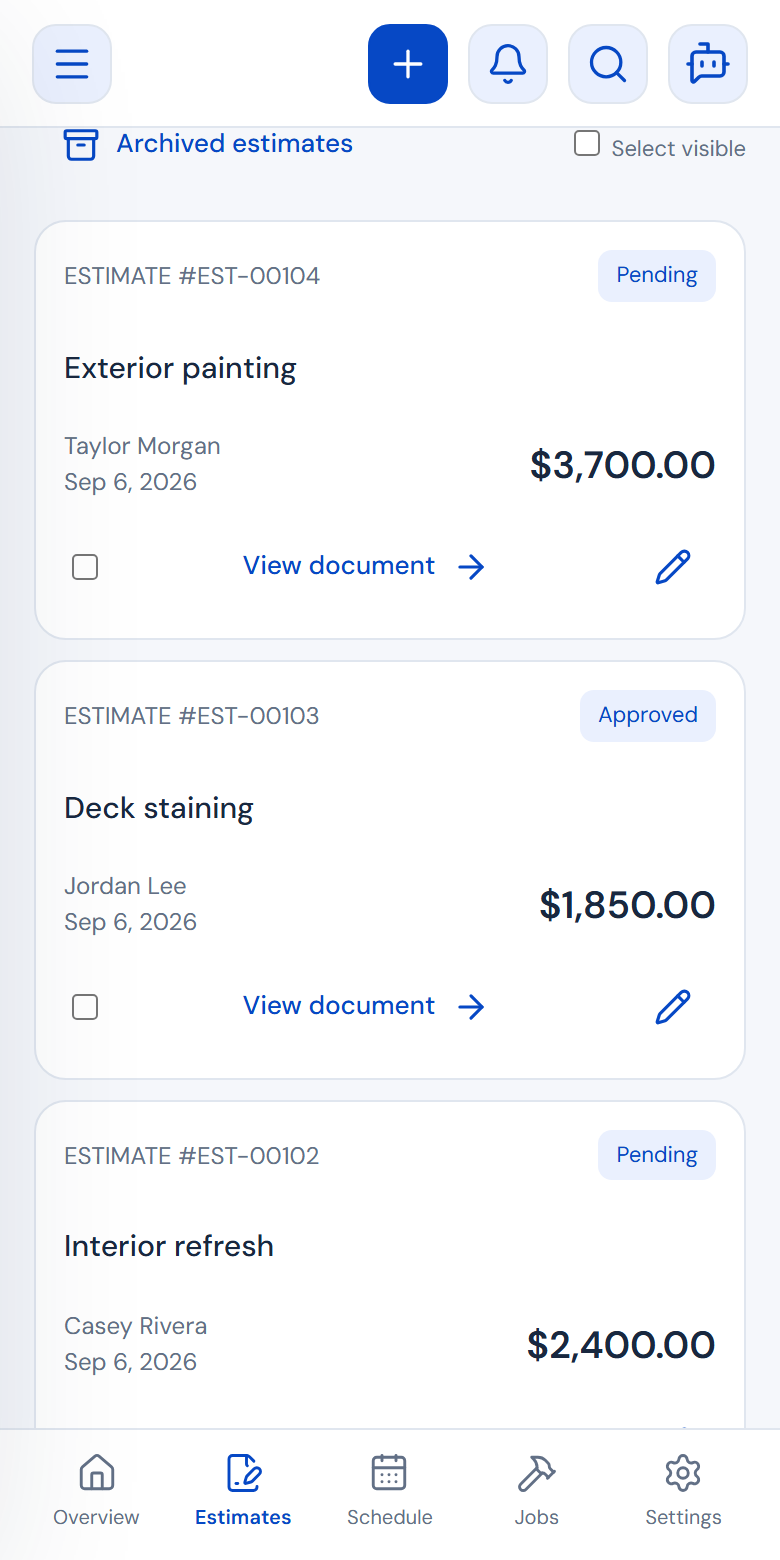
See the status and value of your estimates. Open a quote to review its details and choose the next step.
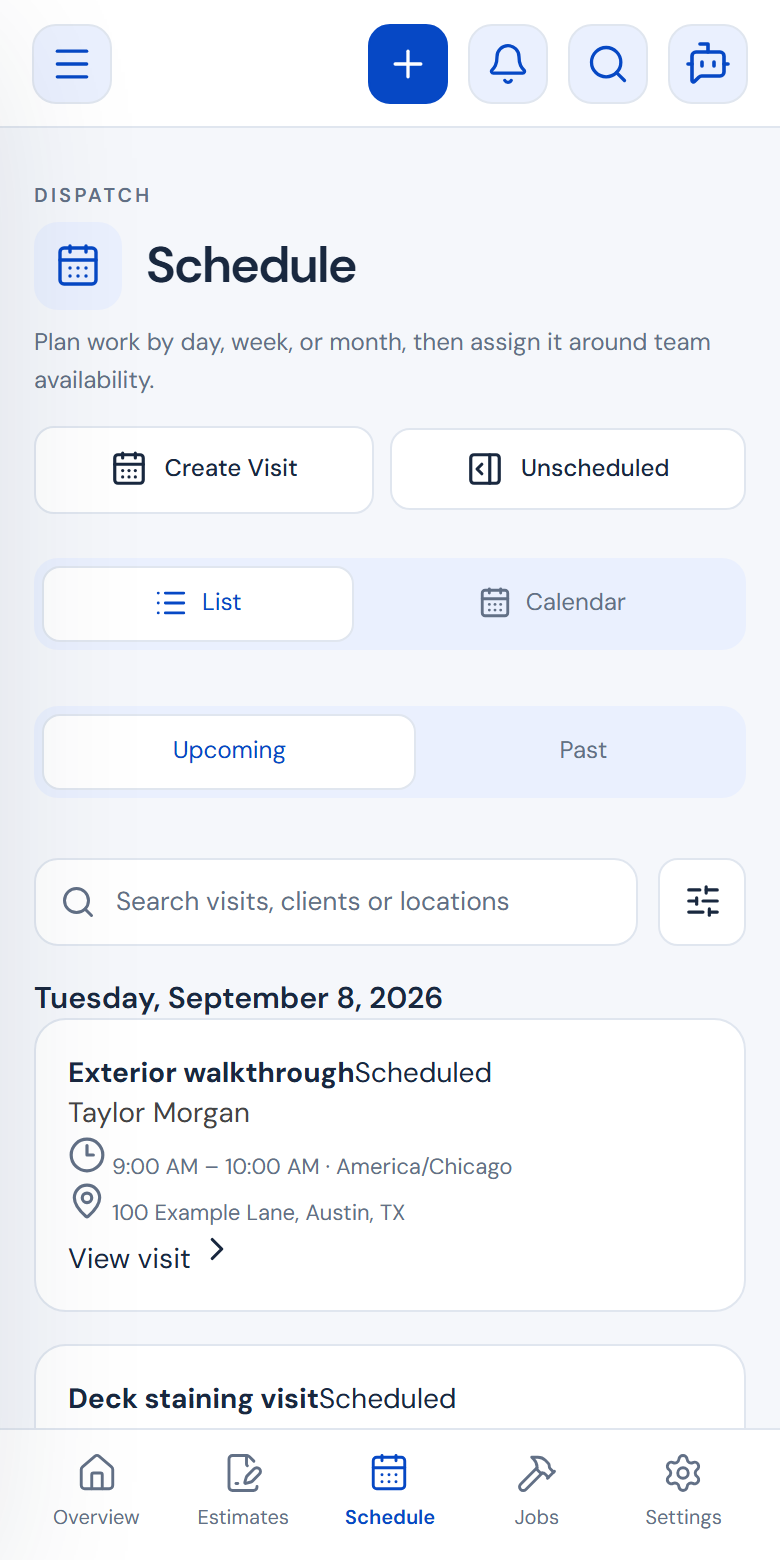
See scheduled work on the calendar. Open a visit to check its time, customer and job details.
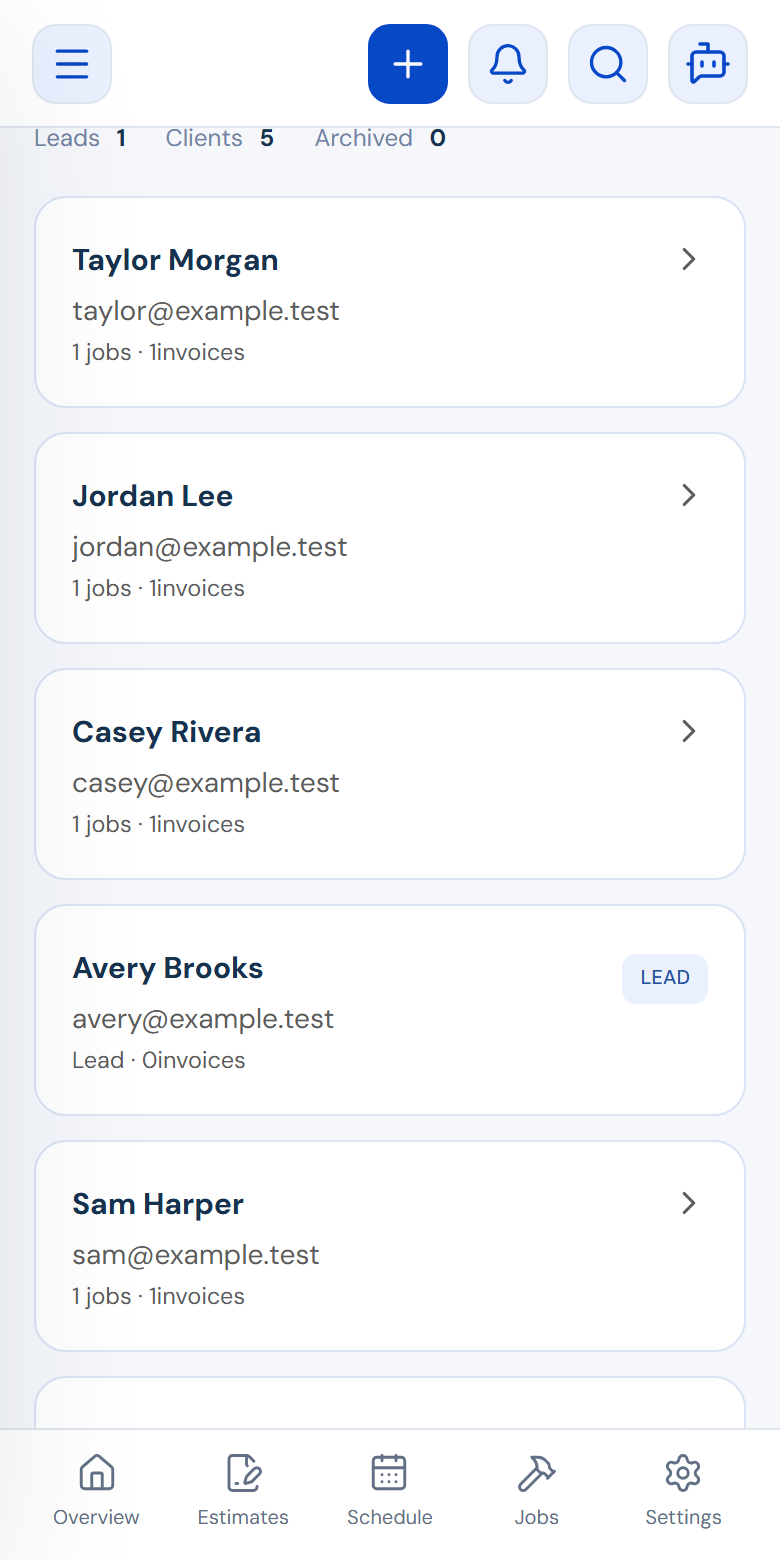
Find a customer and their service location. Use their linked records when you prepare the next job.
MEET AI QUOTER
Coming soonAn assistant for turning your words into a clearer scope. Describe the work, review the draft and make it your own.
AI responses are not yet available. You stay in control: the assistant does not send estimates or set your prices automatically.
Start with a free account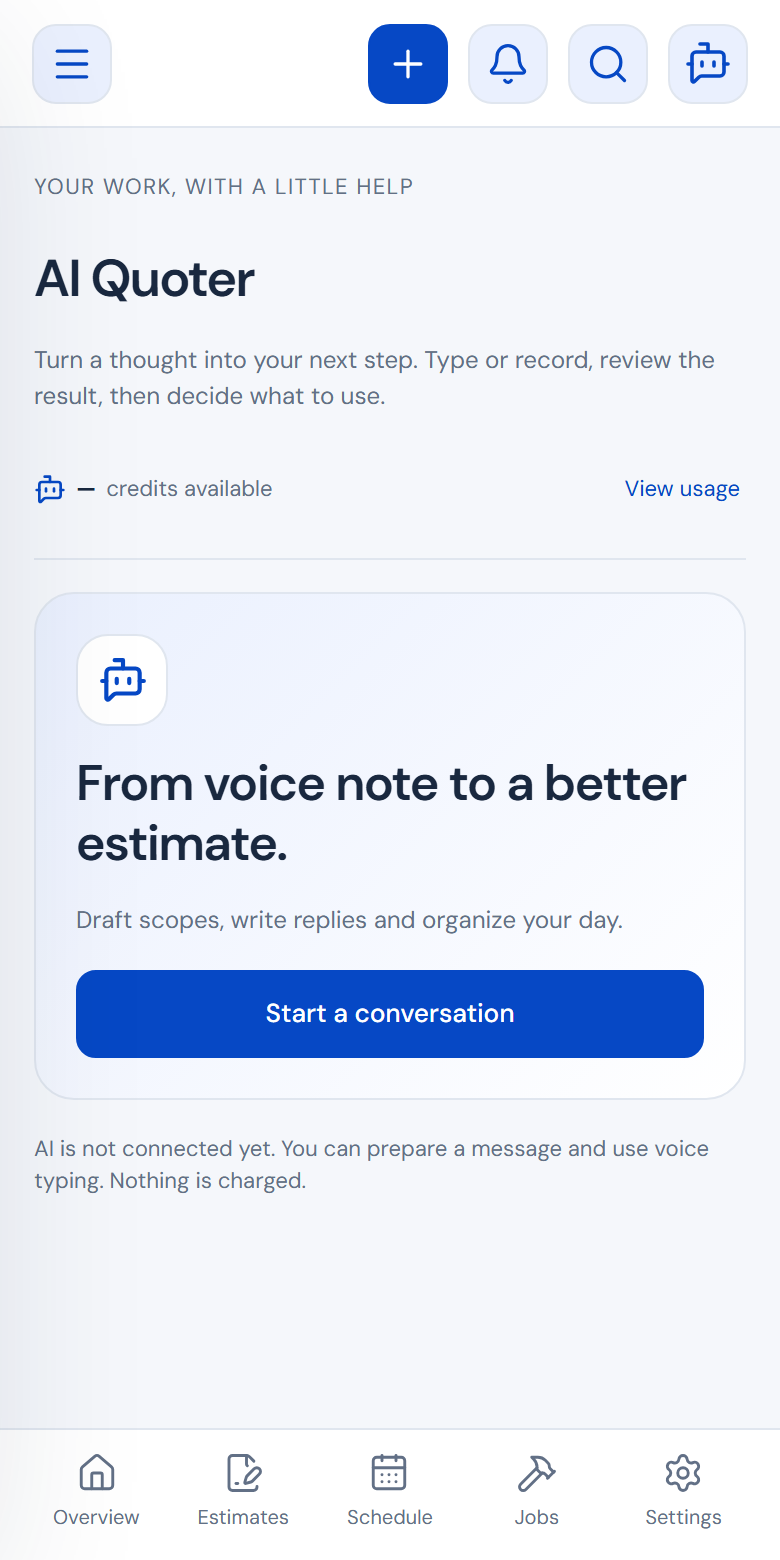
START WITH YOUR NEXT ESTIMATE
Launch includes 20 published estimates per month. No credit card required.
Create free estimate Compare plans ↗